Verify a Signal contact
Step 1. Contact the person
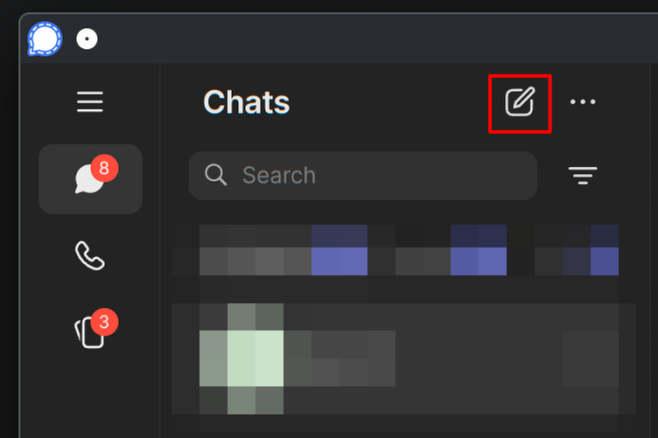
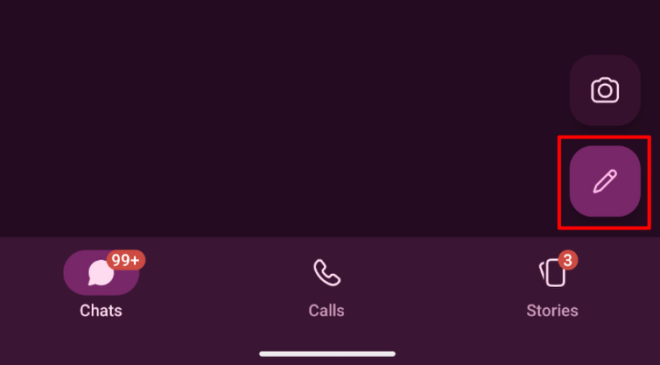
Click on the Pen icon in Signal:
Enter the contact's username.
Click on the username in the results under "Find by username".
A chat should now be opened.
Step 2. View your safety number
Click on their name in the bar at the top of the chat.
Then click on "View safety number".
Step 3. Compare if one half of the safety number matches your contact
Check if the safety number contains, either at the start or the middle of the number, the key of your contact.